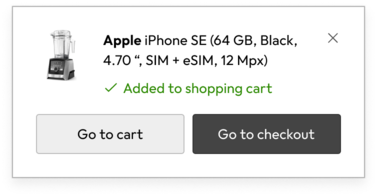
Concepts that help us position elements on the z-axis.
When designing interfaces with multiple layers, there is a need to communicate which elements are above others. Elevation is the relative distance between two elements along the Z-axis.
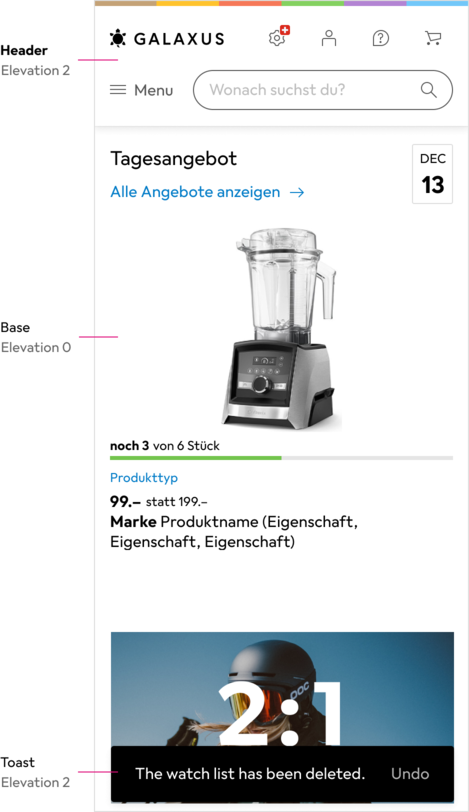
Objects that fully or partially occupy the same space on the Y or X-axis must have different levels of elevation to convey to the user which content is in focus.
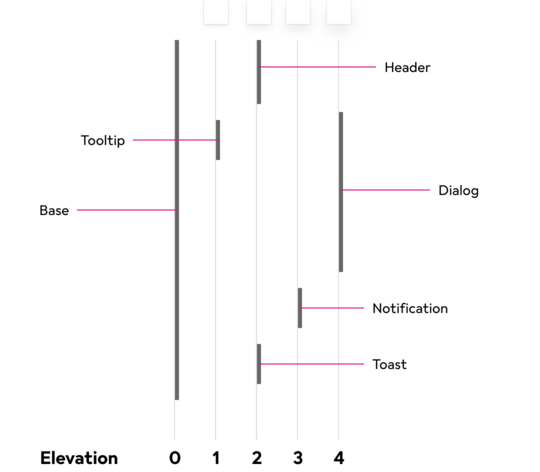
We have 5 levels in total, counting level 0, which has no elevation.
#Visual Effects
To indicate the level of elevation of an object, we use different visual effects to set them apart.
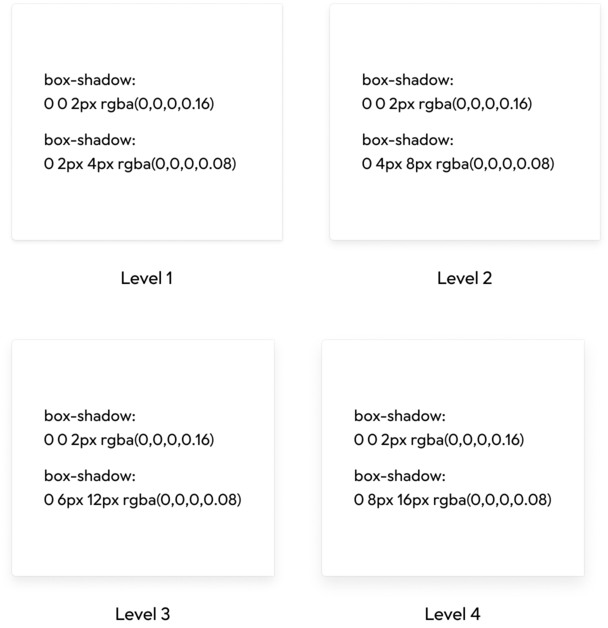
We use two shadows to display the elevation:
- One is the same on all elevation levels, and it creates a soft border around the object.
- The second one is used to cast a shadow on the underlying layers, and it grows with each step. The more elevated an object is, the wider its shadow spreads.
#Guidelines
Elevation should be used sparingly. Prefer layouts where content occupies its own space. Use elevation only when elements must share the same space on the X or Y axis.
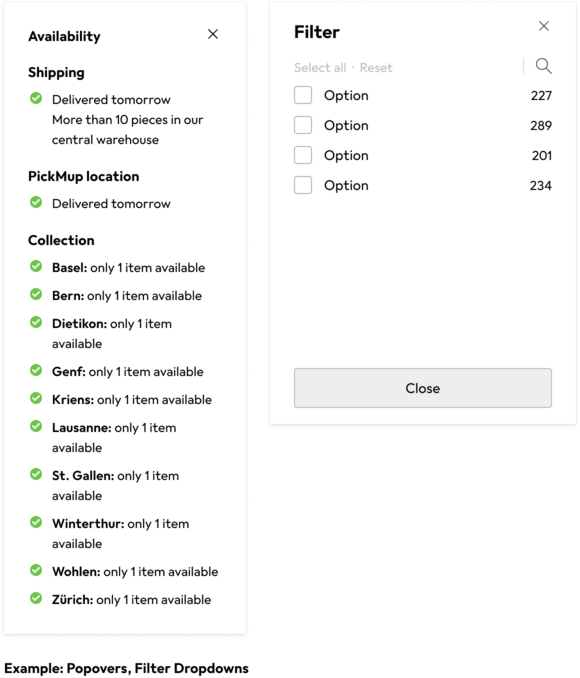
#Elevation 1
Elements that should cover the page content but slide in behind the fixed header.
#Elevation 2
Elements with a fixed position, such as the Header, Toasts, Filter Bar etc.

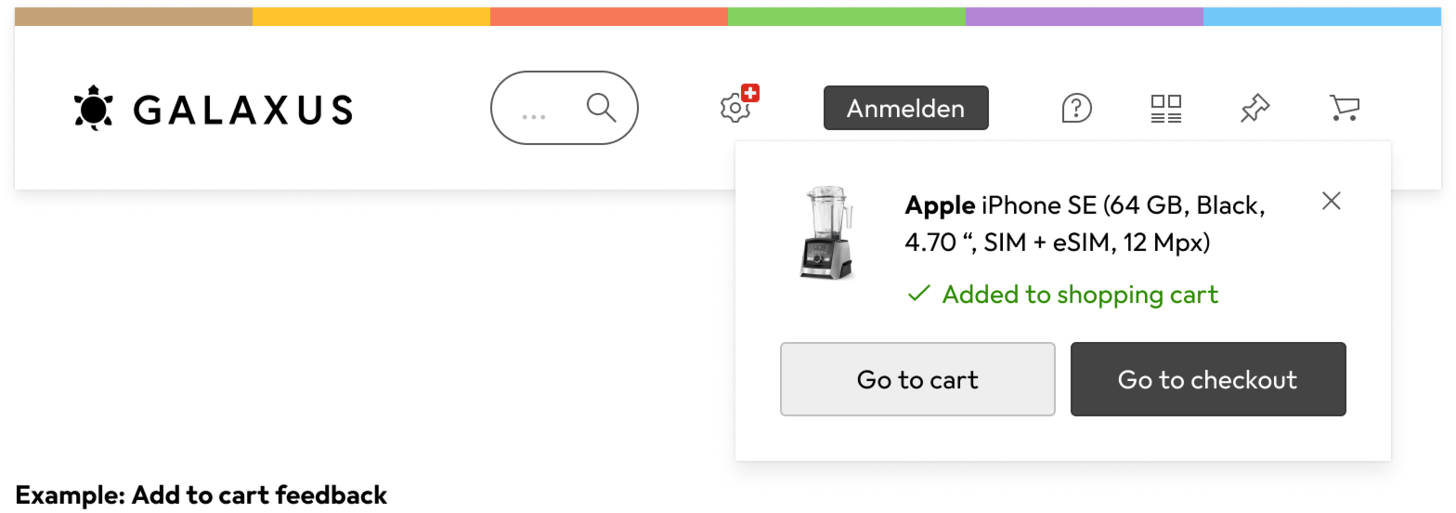
#Elevation 3
Elements that should float above everything on the Page, even fixed Elements like Headers, Toasts etc.
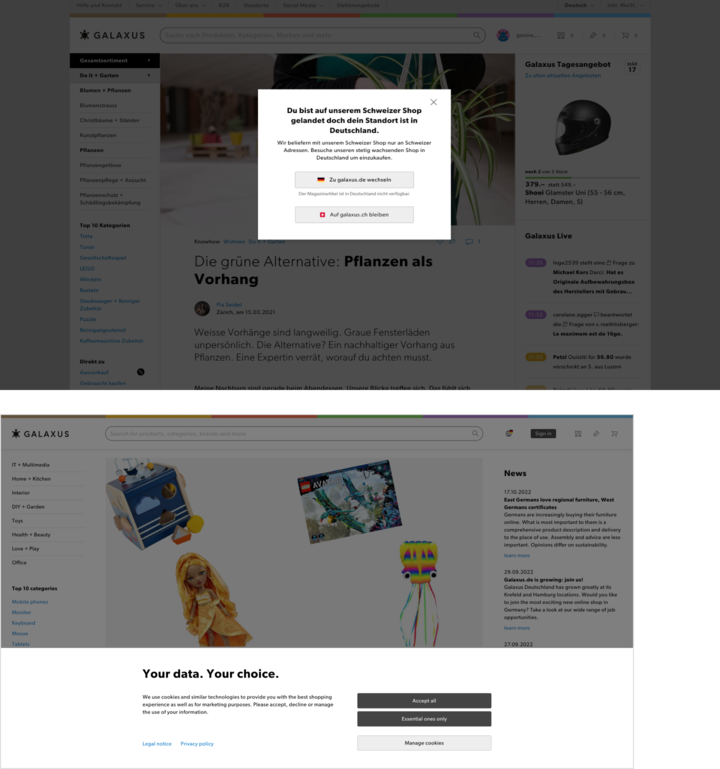
#Elevation 4
Reserved for Dialog Boxes that covers the Page, where the User has to take action before continuing to use the Site
#Do’s & don’ts
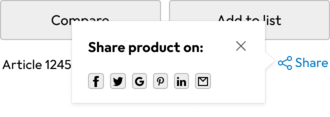
Do
Only use Elevation when 2 or more objects need to occupy the same space.
Don't
Don’t use elevation when the content can take up it’s own space and push other content out of the way.
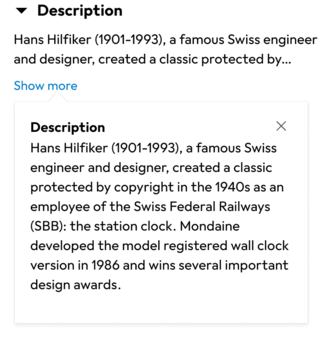
Do
Use the elevation styles to create a border around elevated elements to give them a fine border with a soft shadow.
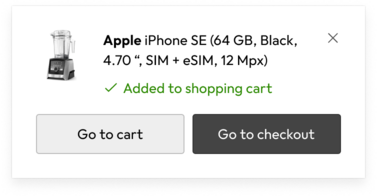
Don't
Don’t use a border on elevated elements. This creates a contrast that is too sharp.