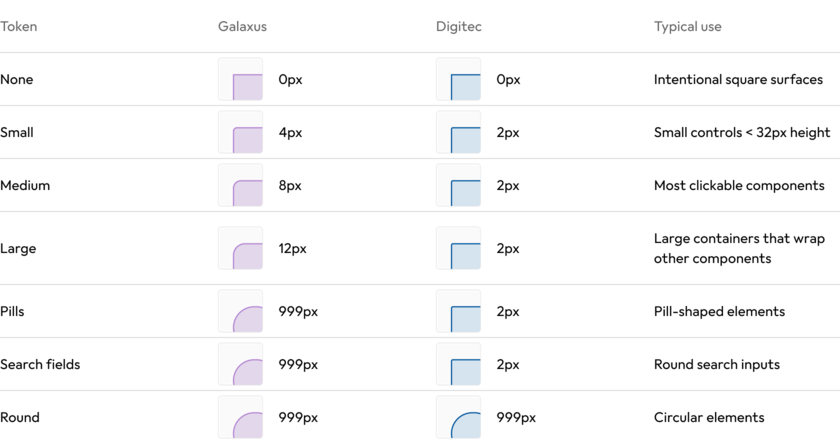
The border radius defines how rounded the corners of elements are in the shop frontend. Galaxus and Digitec use the same border radius tokens, but apply them differently to reflect their distinct visual styles.

#Principles
The two brands follow different approaches to border radius:
- Galaxus: Border radius increases with the size of the component. Smaller components use smaller radii, while larger components use larger radii.
- Digitec: Most components use a consistent 2px radius, creating a more squared appearance. “none” and “round” are the exceptions.
#Border radius tokens
#Choosing a border radius
#Border radius: None
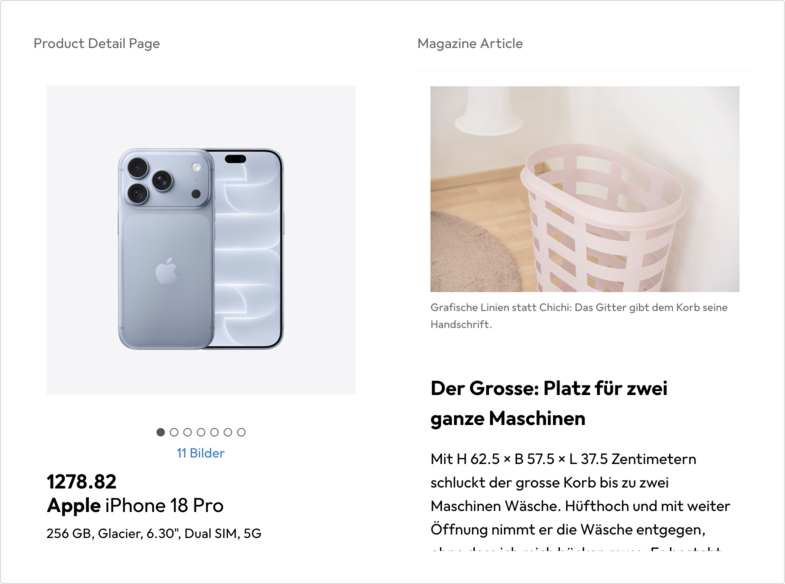
Intentionally square elements to create a visual accent, sparingly used. The magazine images and the image gallery on the Product Detail Page are the main use case, to give the feeling of a dedicated stage.
#Border radius: Small
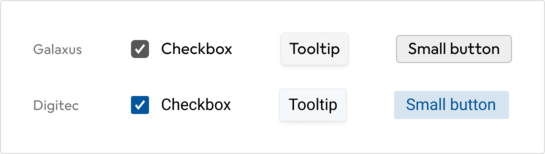
Used for small elements under 32px height, for example:
- Checkboxes
- Tooltips
- Small buttons
#Border radius: Medium
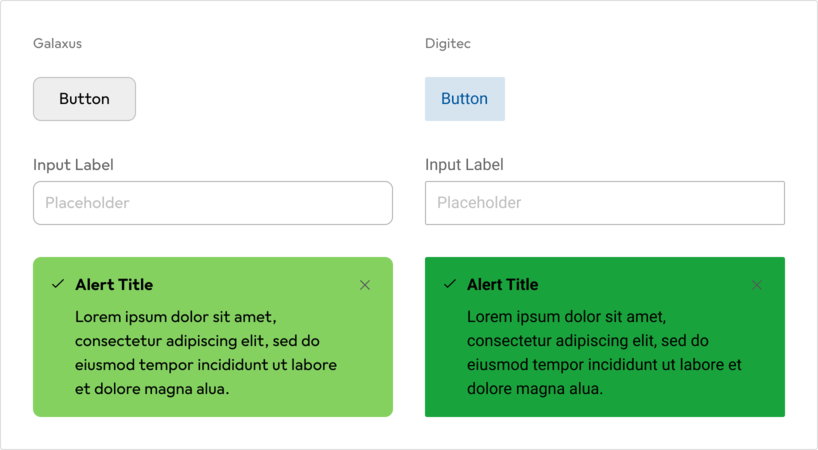
The default radius for most clickable components, for example:
- Buttons
- Inputs
- Alerts
- Popovers
- Cards
- Product Tile Images
#Border radius: Large
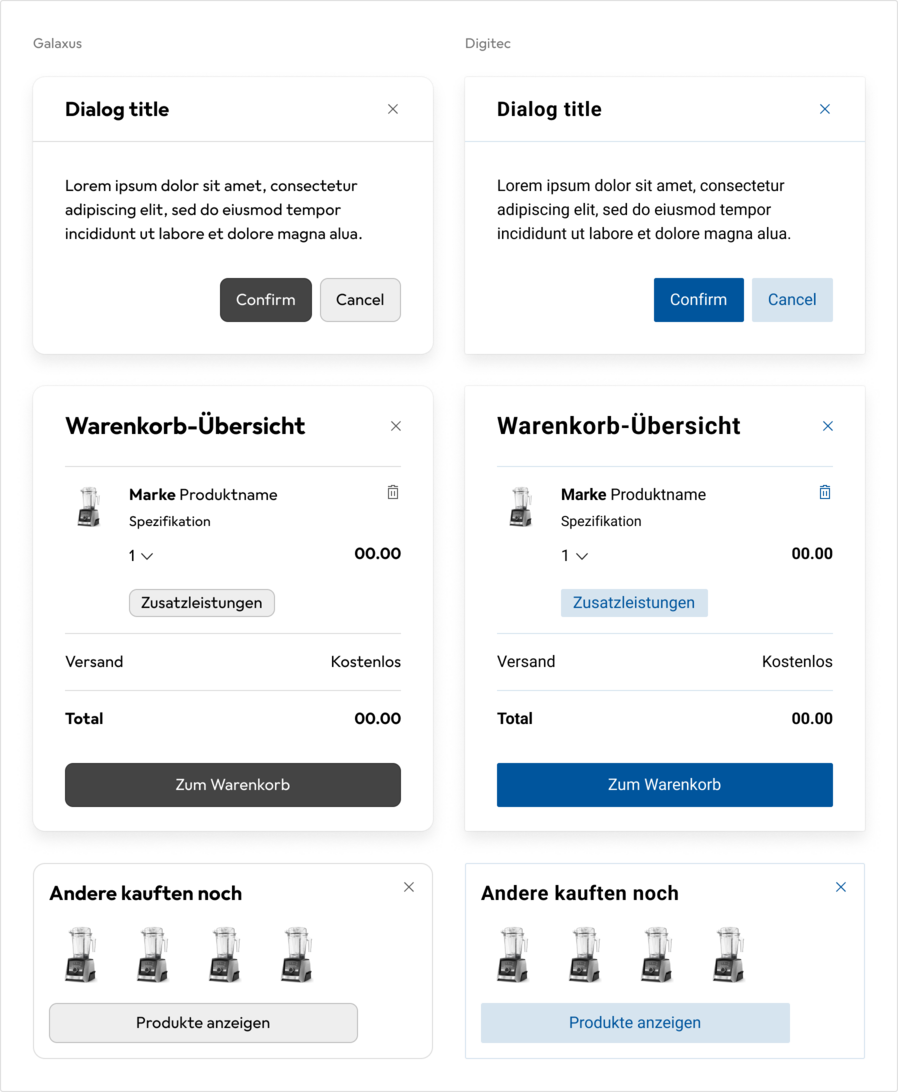
For larger containers that group or contain multiple elements, for example:
- Dialogs
- Overlays
- Large banners
#Border radius: Round
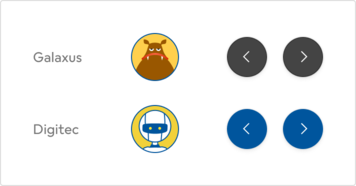
Elements that are round, both in Galaxus and in Digitec, for example:
- Avatars
- Icon Buttons
#Border radius: Pills
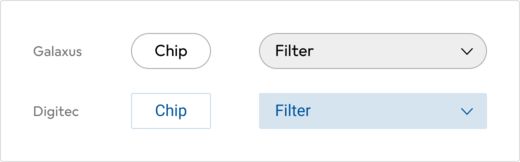
Pill shaped components on Galaxus, for example:
- Chips
- Filter Chips
#Border radius: Search fields
Round search inputs on Galaxus, for example:
- Header search input
- Forum search pill