#Overview
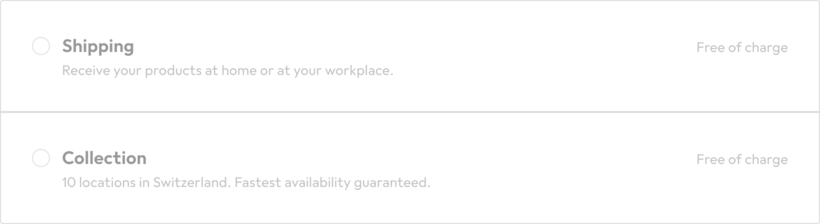
A collapsible option helps the user understand options available to them that contain additional detail without overwhelming the user.
#When to use
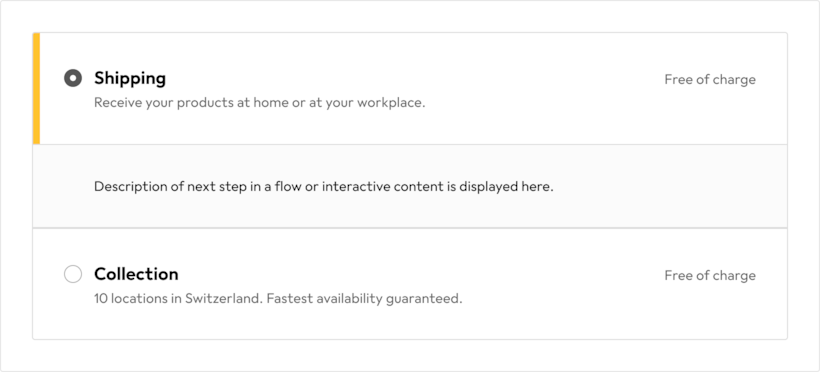
- When a process requires multiple steps which contain multiple options with additional detail
#Don’t use for
- Options in a standard form with no additional detail (use a Radio Button).
- Collapsible options are never used a single option.
#Anatomy
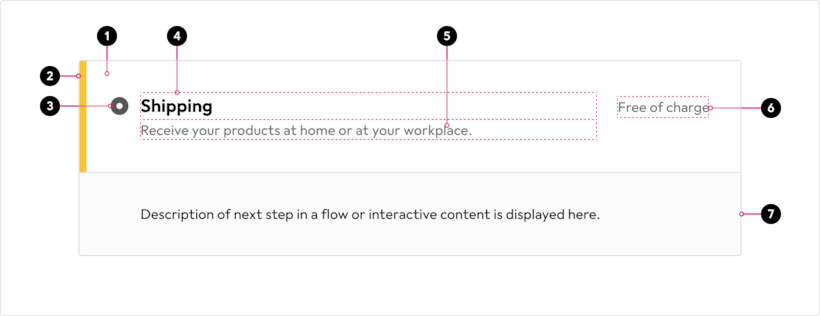
- Container
- Selected state highlight
- Radio button
- Label
- Detailed description (optional)
- Additional information (optional)
- Select state expansion
#Color
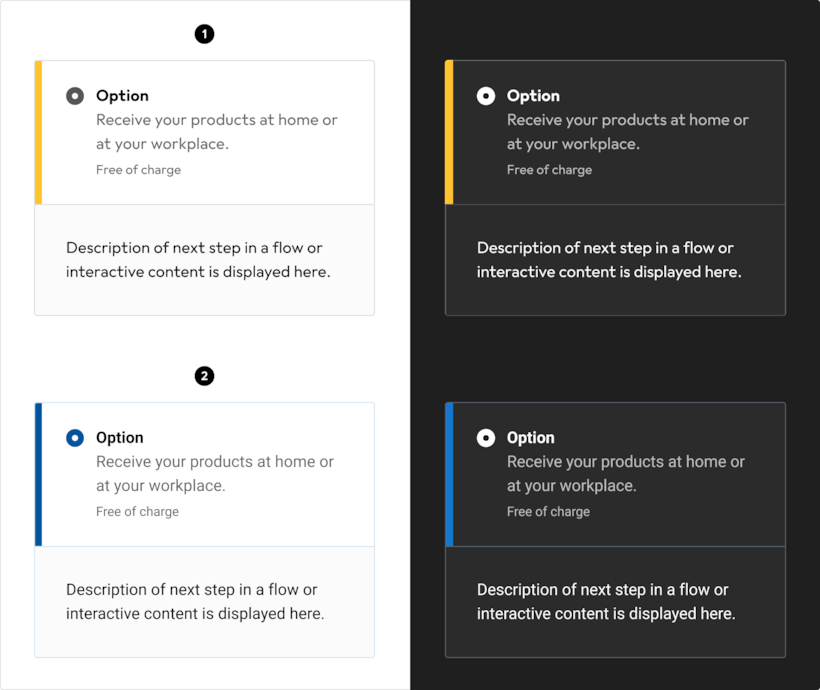
- Galaxus
- Digitec
#Spacing
Mobile
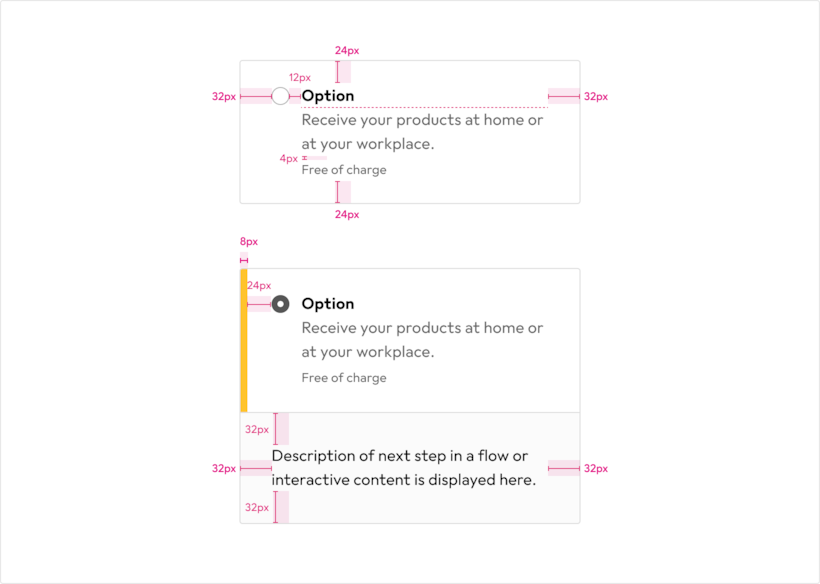
Desktop

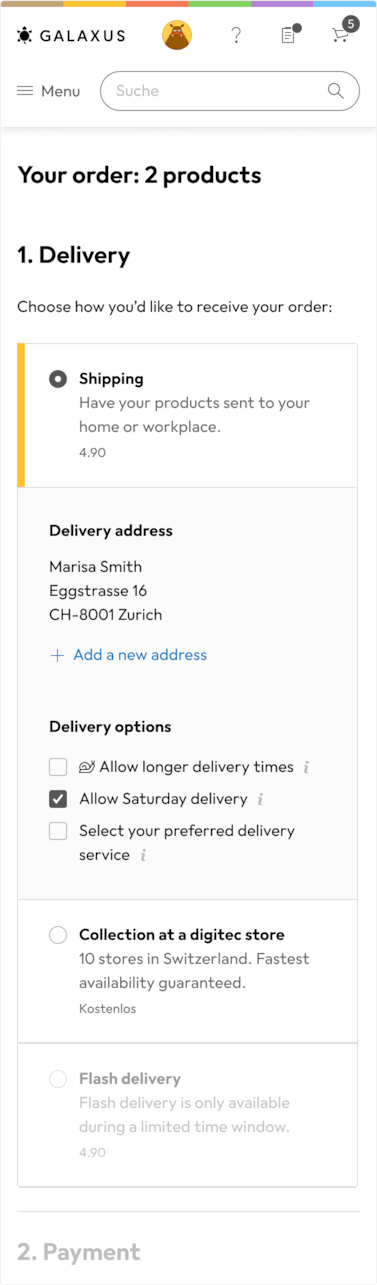
#Placement
The Checkout page involves several steps with multiple collapsible options.
#States
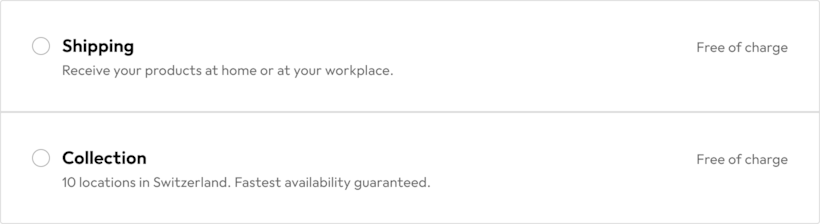
#Default state
#Selected state

#Disabled state